MetaTrader 5 EA - Full User Guide
Everything the free TradeLog MT5 Expert Advisor does, how to install and connect it, every setting explained, and how to use it with or without an account.
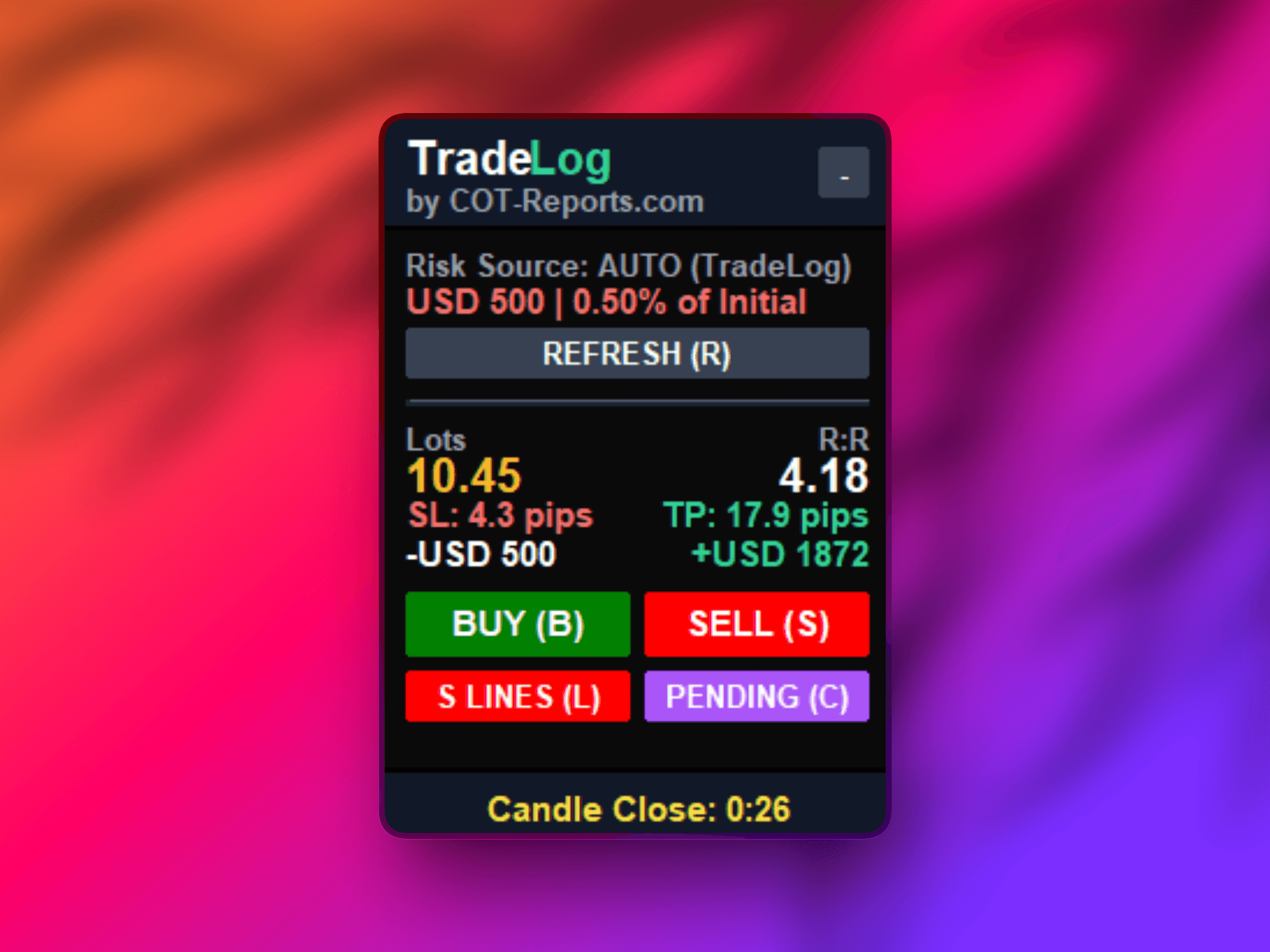
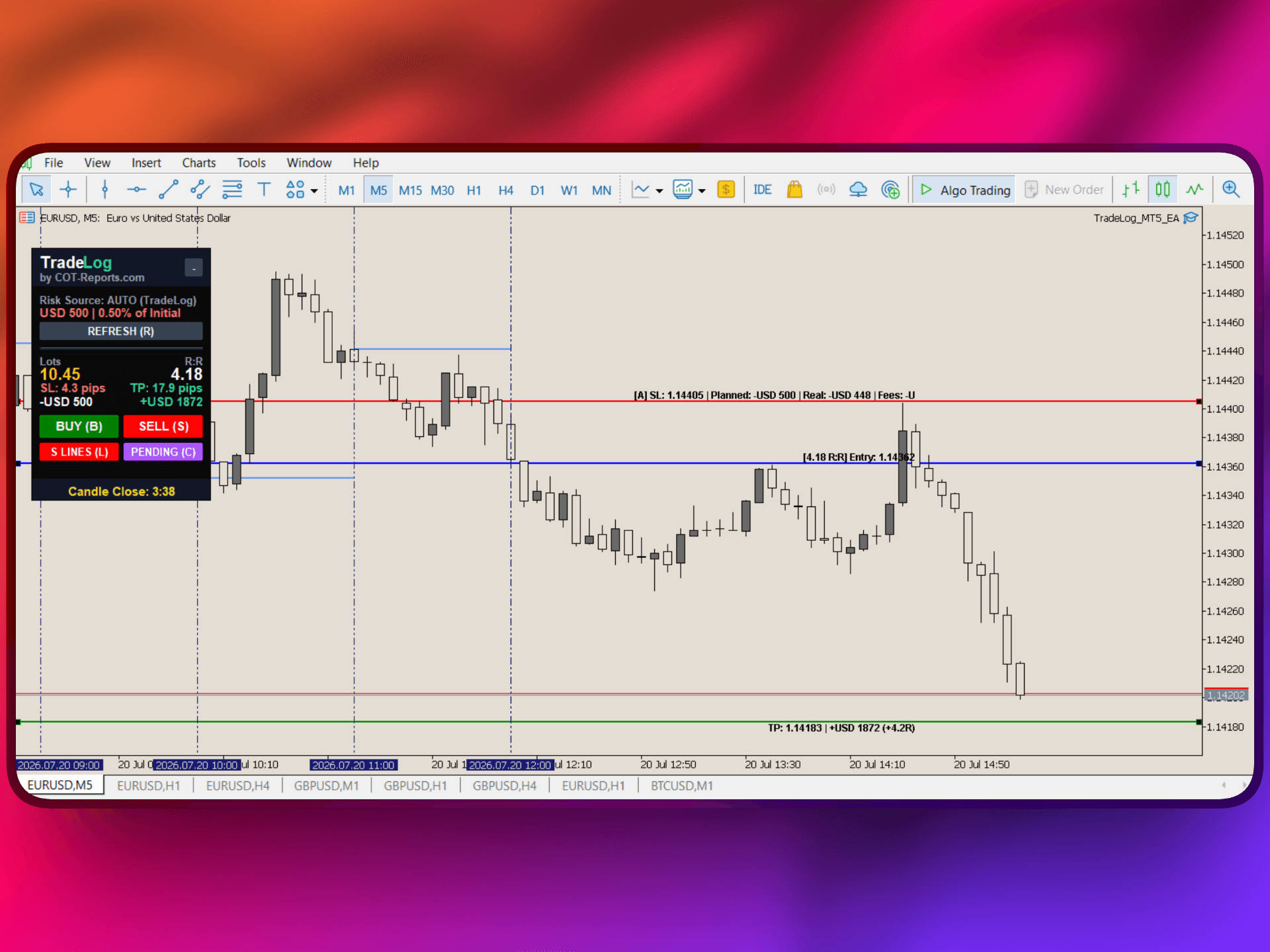
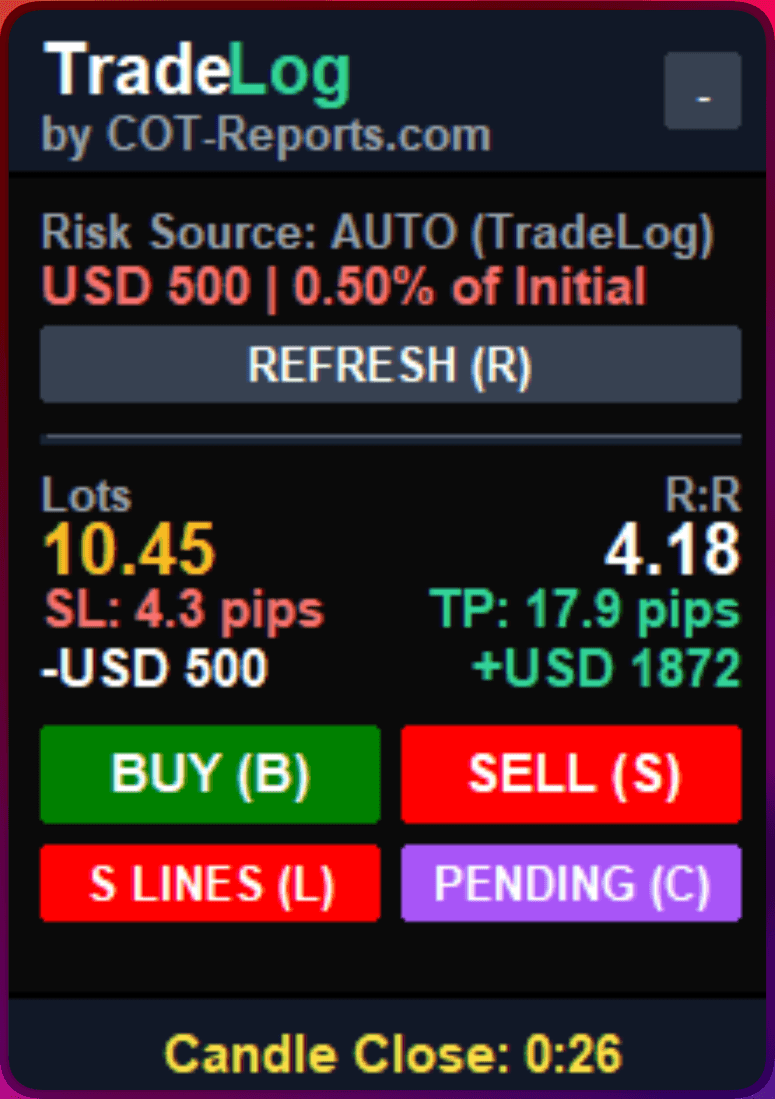
The TradeLog Expert Advisor for MetaTrader 5 is the same free, all-in-one trading assistant as the MT4 version, compiled for MT5 (.ex5) and aware of MT5's netting and hedging modes. It auto-syncs your trades to your journal AND adds an on-chart Position Size Calculator, an auto-tracking stop-loss planning line, an optional strict-risk auto-trim, and a candle-close countdown. The on-chart tools work even with no TradeLog account.
What the MT5 EA does
- Auto Trade Sync - every closed trade (plus running and pending orders) is pushed to your journal in real time with full details. Handles both netting and hedging accounts. If MT5 is offline, trades sync when it reconnects. Requires an API key (on the TradeLog plans that include robots).
- Position Size Calculator (PSC) - on-chart Entry/SL/TP lines and exact lot sizing. Risk source AUTO (your TradeLog risk profile) or MANUAL (your own risk in $ or %). Shows live R:R, planned risk, real risk at the rounded lot, and fees.
- SL planning-line auto-track - the stop-loss planning line follows the adverse price extreme + spread so you stop re-dragging your stop. Planning line only; on by default.
- Manual Strict-Risk auto-trim (opt-in) - in Manual mode, trims an open position that risks more than your planned risk down to it. Off by default; needs a stop-loss.
- Candle Countdown - an on-chart timer to the current candle's close.
- Works with every MT5 broker and asset class (forex, futures, stocks, metals, indices, crypto), runs alongside other EAs. The sync only reads trades - the EA never accesses your funds or credentials, and it only ever places or trims a position when you use its buttons or explicitly enable strict risk.
How to activate it (step by step)
Auto-sync needs a TradeLog API key (on the TradeLog plans that include robots). For the on-chart tools only, skip the key - see "Use it without a TradeLog account" below.
- 1In TradeLog, open Connections from the sidebar and pick MetaTrader 4/5.
- 2Click Create API Key, name it, and copy the key.
- 3Click Download to get the EA file (TradeLog_MT5_EA.ex5).
- 4In MT5: File > Open Data Folder > MQL5 > Experts, and copy the .ex5 file there.
- 5Restart MT5 or refresh the Navigator panel. "TradeLog" appears under Expert Advisors.
- 6Drag the EA onto any chart and paste your API key into the ApiKey field on the Inputs tab.
- 7In Tools > Options > Expert Advisors, tick "Allow WebRequest for listed URL" and add https://tradelog.cot-reports.com.
- 8Enable Algo Trading (the toolbar button) and click OK.
- 9Close a position, then open your TradeLog journal - it should appear within seconds.
Every setting explained: Trade Sync
- ApiKey - your TradeLog API key. Required for sync; leave empty for standalone.
- AccountName - optional journal-account label. Recommended: leave blank.
- SyncIntervalSeconds - how often the EA checks for new trades. Recommended: 30.
- SyncRunningTrades - show open positions in the journal. Recommended: on.
- SyncPendingOrders - sync pending (limit/stop) orders. Recommended: on.
- History import - your past closed trades are imported automatically once, on the first attach. There is no setting to toggle.
- SyncAllSymbols - sync every symbol from one chart. Recommended: on.
- UseAutoGmtOffset / BrokerObservesDST / BrokerGMTOffset - broker time handling. Recommended: leave auto on; set the manual offset only for a fixed-offset broker.
- ShowAlerts / DebugMode - alerts and verbose logging. Recommended: alerts on, debug off.
Every setting explained: Position Size Calculator
- EnablePSC - on-chart calculator and Entry/SL/TP lines on/off. Recommended: on.
- RiskSource - AUTO (TradeLog risk profile, needs the key) or MANUAL (values below). Recommended: AUTO when connected, MANUAL for standalone.
- ManualRiskType - Fixed ($), Dynamic (% of balance), or Drawdown (%). MANUAL mode only.
- ManualRiskDollars - fixed $ risk per trade (Fixed type).
- ManualRiskPercent - % risk per trade (Dynamic or Drawdown type).
- ManualDDLevel - the drawdown tier (Drawdown type).
- Default RR - the seed reward:risk used to place the TP line (default 2.0). The lines auto-seed an ATR-based SL distance clamped to the visible chart - there are no pip inputs.
- CommissionPerLot - broker round-trip commission for the SL "Fees" line. Recommended: match your broker, or 0 if commission-free.
- ShowIdealRisk / ShowRealRisk / ShowFees - SL line label: planned risk, real risk at the rounded lot, fees. Recommended: all on.
Every setting explained: SL auto-track and strict risk
- SLAutoTrackDefault - the SL planning line auto-follows the adverse price extreme + spread. On by default; toggle live with "T".
- ShortcutAutoTrack - the live toggle key for auto-track (chart must have focus). Default: T.
- ManualStrictRisk - OPT-IN auto-trim (Manual mode). Trims an open position that risks more than planned down to your target. Off by default; needs a stop-loss; skips risk-free / no-SL trades.
Use it without a TradeLog account (standalone)
Leave ApiKey empty and the EA runs with zero network. You keep the full on-chart toolkit: the Position Size Calculator, the Entry/SL/TP lines with live R:R, the SL auto-track planning line, the candle countdown, the BUY/SELL/pending buttons, and the optional Manual Strict-Risk auto-trim. Set your own risk under the Manual settings. You can also buy the EA on its own on COT-Reports when the standalone products launch - and it always comes free with every TradeLog plan that includes robots.
Plan note
Auto-sync (the API key) is available on the TradeLog plans that include robots. The other plans do not include an API key, but the on-chart Position Size Calculator and standalone tools are always free. See the Plans & Pricing article.
Was this helpful?