
OKX Trading Journal
Connect your OKX account to TradeLog through the API (beta) to import your Spot, swap, and futures trades. The connection uses your read-only credentials to fetch trades, match positions with FIFO logic, and track your performance.
Visit OKX official website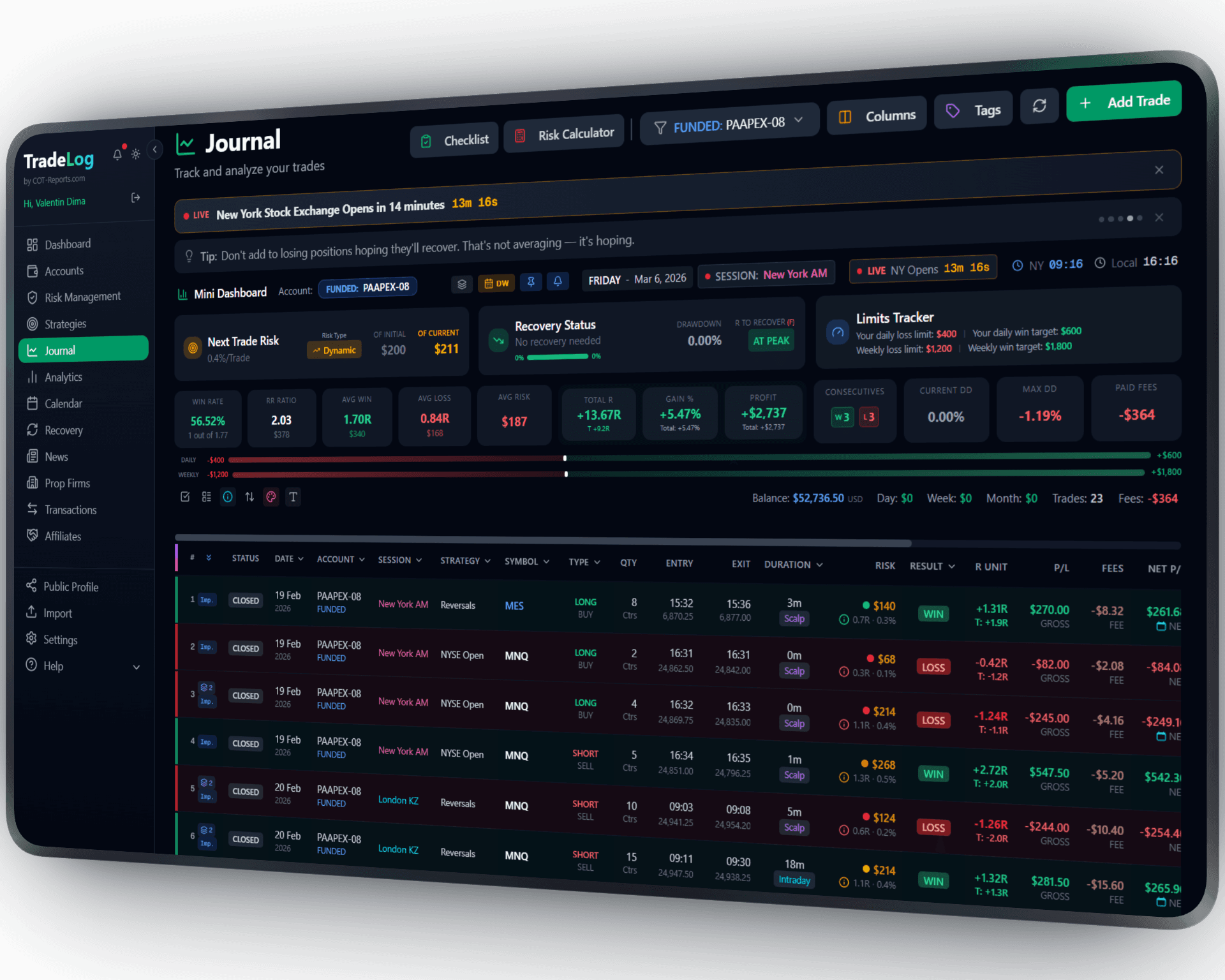
The founder's own prop-firm account (simulated trading). Not a typical result. Past performance does not guarantee future results.
How It Works
Connect your OKX account using an API key with read-only permissions plus your passphrase. TradeLog fetches trades securely and processes them with FIFO matching.
Create API Key on OKX
Go to OKX > Settings > API. Create a new API key with Read-Only permissions. Copy the API Key, Secret Key, and Passphrase.
Add to TradeLog
In TradeLog, create a Crypto account and go to Settings > API Keys. Paste your OKX API Key, Secret, and Passphrase. Select markets to sync.
Sync & Analyze
Click Sync to import your trades. TradeLog processes them with FIFO matching and calculates accurate PnL for each position.
Set up in seconds. Works automatically from there.
OKX&TradeLog
Spot & Futures
Full support for OKX Spot and Futures (Perpetuals). Track all markets in one unified journal.
Passphrase Support
OKX requires a passphrase in addition to API key and secret. TradeLog handles this securely with encrypted storage.
FIFO Matching
Automatic First-In-First-Out trade matching for accurate position tracking and PnL calculation.
Crypto Analytics
Performance breakdown per coin, market type, and time period. Equity curve, win rate, and R-multiples.
Read-Only Security
TradeLog only reads your trade history. No withdrawal or trading permissions needed.
Encrypted Storage
All API credentials are encrypted at rest and transmitted over HTTPS. Your keys are never exposed.
Sharpen Your Trading Edge
Go beyond logging trades. Build discipline, grade your setups, and let data guide your improvement.
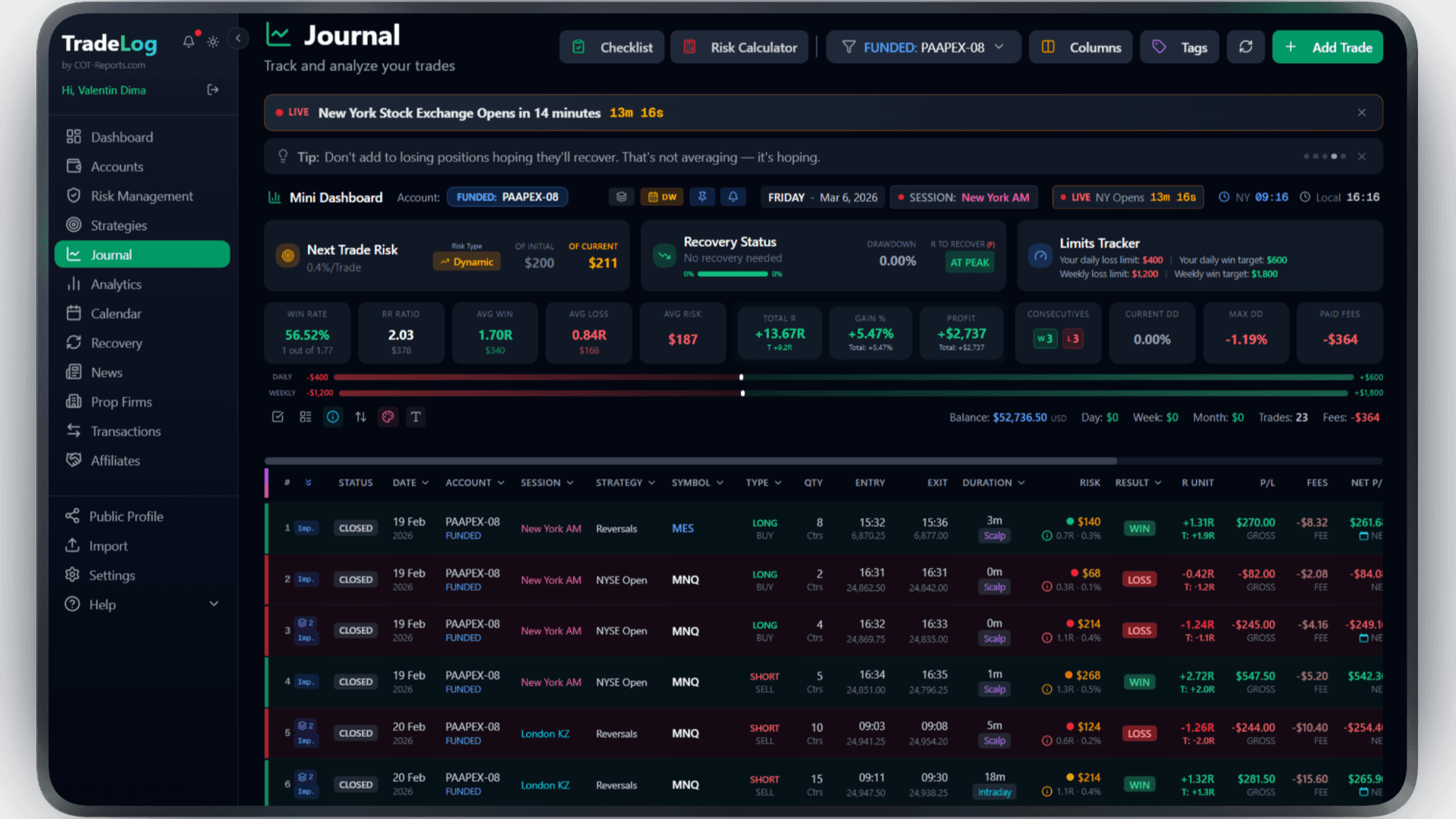
The founder's own prop-firm account (simulated trading). Not a typical result. Past performance does not guarantee future results.
Risk Calculator
Calculate position size based on your risk percentage and stop loss. Fixed, compounding, or drawdown-aware modes.
Pre-Trade Checklist
Build a custom checklist for your strategy. Verify every condition before entering - no more impulsive trades.
Trade Grading
Grade each trade based on setup quality. A+, A, B grades track your discipline over time.
Decision Tree
Create a step-by-step decision flow for entries. Follow the tree, check the items, get your grade.
Model Analyzer
See which grades and decision paths produce the best results. Data-driven strategy refinement.
Advanced Analytics
R-efficiency, session performance, symbol breakdown, trade duration analysis - all in one dashboard.
Frequently Asked Questions
Everything you need to know about OKX integration
Why does OKX need a passphrase?
OKX requires a passphrase as an additional security layer for API access. You set this when creating the API key on OKX. TradeLog stores it securely alongside your key and secret.
Is my OKX account safe?
Yes. TradeLog only requires Read-Only API permissions. We cannot trade, withdraw, or modify anything on your account.
Which OKX markets are supported?
TradeLog supports OKX Spot and Futures (Perpetual Swaps). You can choose to sync one or both market types.
Can I sync historical OKX trades?
Yes. The first sync fetches available trade history from OKX. The depth of historical data depends on OKX API retention policies.
Brokers that use OKX
Trade OKX at any of these and connect the account to TradeLog through the API (beta).
Also works with: Binance, Bybit — View all platforms
Ready to Track Your OKX Trades?
Join traders who use TradeLog to analyze their performance and improve their results.
No credit card required