
TradingView Trading Journal
Import your TradingView paper trades and brokerage trades into TradeLog with our CSV import. Whether you use TradingView for charting, paper trading, or live trading through connected brokers, TradeLog captures your complete trade history for analysis.
Visit TradingView official website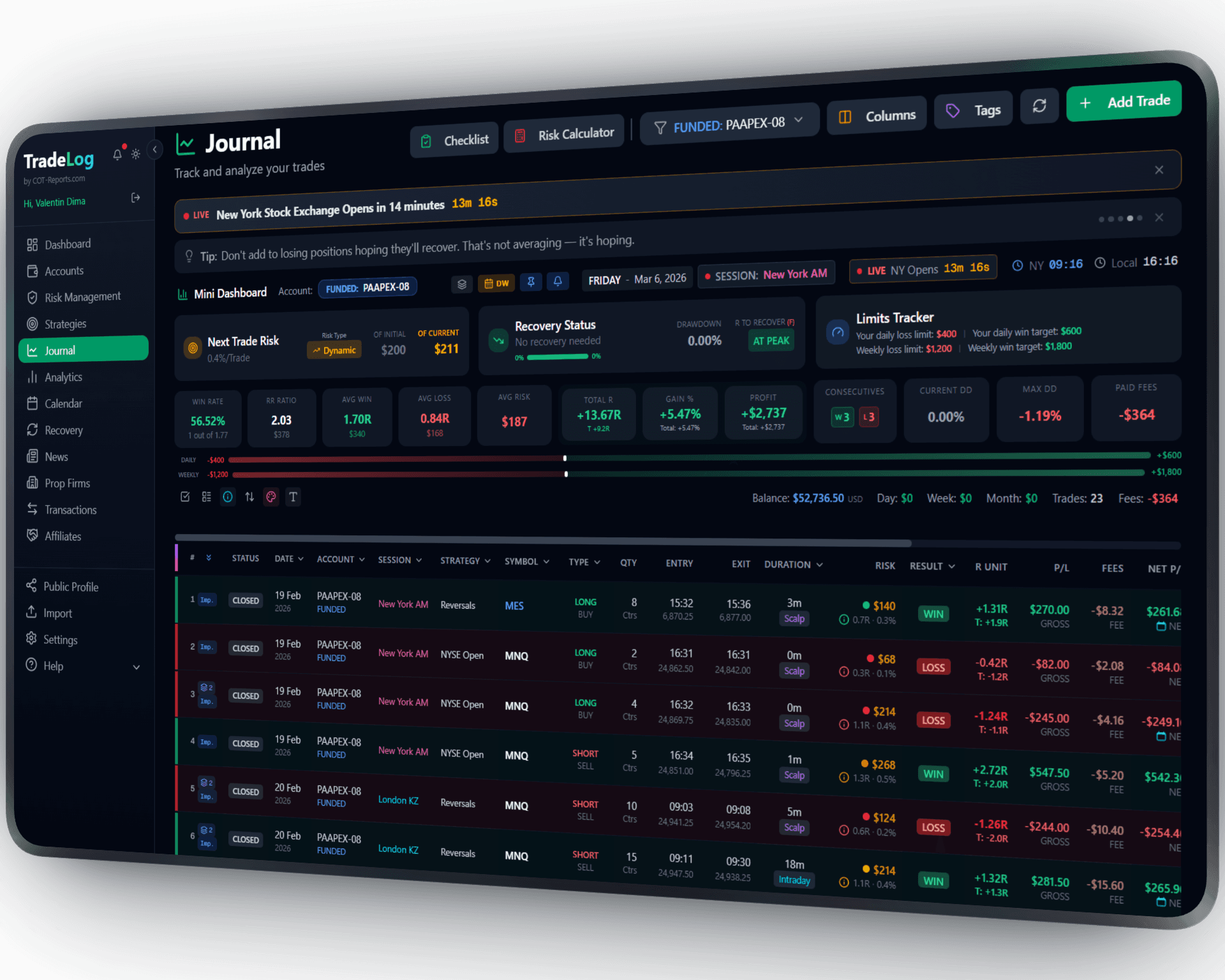
The founder's own prop-firm account (simulated trading). Not a typical result. Past performance does not guarantee future results.
How It Works
Export your trades from TradingView as CSV files and import them into TradeLog. TradeLog accepts both the Orders and Notifications export formats and matches them into complete trade records.
Export from TradingView
In TradingView, go to your Trade Panel. Click the export icon and download your Orders and Notifications as CSV files.
Import to TradeLog
In TradeLog, go to Import > TradingView CSV. Upload your 2 files (Orders + Notifications). TradeLog matches orders with fills automatically.
Analyze & Improve
Review your imported trades, add strategy tags and notes, and use TradeLog analytics to find patterns in your performance.
Set up in seconds. Works automatically from there.
TradingView&TradeLog
2-File Import
Upload Orders and Notifications CSVs from TradingView. TradeLog pairs them into complete trade records.
Paper & Live Trades
Import both paper trading results and live brokerage trades executed through TradingView.
Full Analytics
Once imported, access equity curves, win rate, R-multiples, session analysis, and all TradeLog analytics.
All Instruments
Works with any instrument traded on TradingView: stocks, forex, crypto, futures, and indices.
Incremental Import
Import new trades regularly. Duplicate detection ensures trades are never counted twice.
Any Connected Broker
Works with trades from any broker connected to TradingView, including OANDA, Forex.com, and more.
Sharpen Your Trading Edge
Go beyond logging trades. Build discipline, grade your setups, and let data guide your improvement.
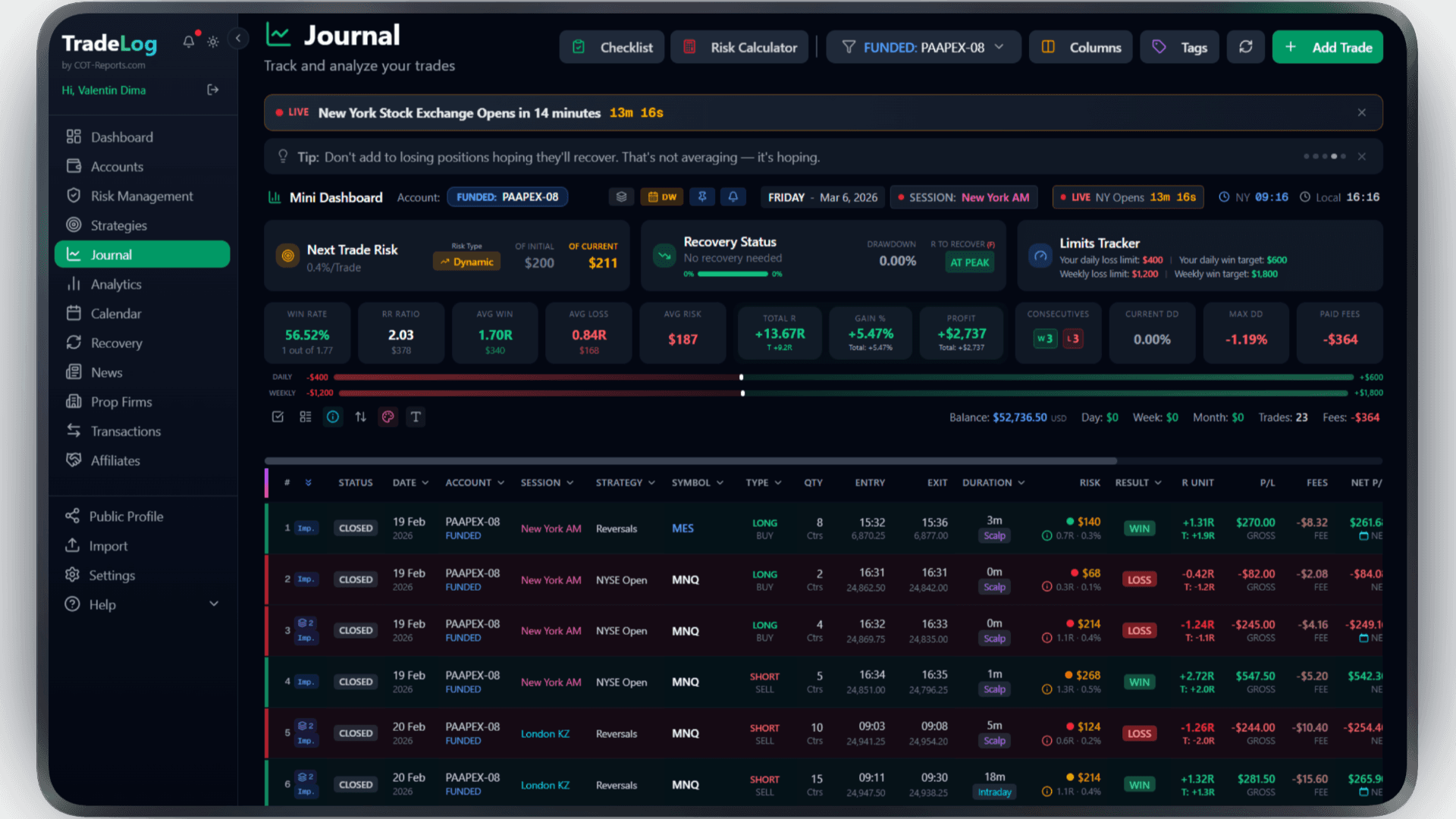
The founder's own prop-firm account (simulated trading). Not a typical result. Past performance does not guarantee future results.
Risk Calculator
Calculate position size based on your risk percentage and stop loss. Fixed, compounding, or drawdown-aware modes.
Pre-Trade Checklist
Build a custom checklist for your strategy. Verify every condition before entering - no more impulsive trades.
Trade Grading
Grade each trade based on setup quality. A+, A, B grades track your discipline over time.
Decision Tree
Create a step-by-step decision flow for entries. Follow the tree, check the items, get your grade.
Model Analyzer
See which grades and decision paths produce the best results. Data-driven strategy refinement.
Advanced Analytics
R-efficiency, session performance, symbol breakdown, trade duration analysis - all in one dashboard.
Frequently Asked Questions
Everything you need to know about TradingView integration
How do I export trades from TradingView?
Open your Trade Panel in TradingView, click the three dots or export icon, and download your Orders and Notifications as CSV. Upload both files to TradeLog.
Does it work with TradingView paper trading?
Yes. Paper trades are exported the same way as live trades. Import them into TradeLog to analyze your strategy before going live.
Will auto-sync be available for TradingView?
TradingView does not currently offer a public API for trade data. CSV import is the supported method. We will add auto-sync if an API becomes available.
Can I import historical TradingView trades?
Yes. Export your full trade history from TradingView and import it into TradeLog. All trades will be processed and analyzed.
Also works with: MetaTrader 4, MetaTrader 5, cTrader — View all platforms
Ready to Track Your TradingView Trades?
Join traders who use TradeLog to analyze their performance and improve their results.
No credit card required